FAQ – Account
- How do I add my MLS ID to my account?
- Log in to your account from the website
- Click on the Settings button on the left side of your screen
- Click on the General tab
- Click on the MLS Membership tab on the top menu option
- Enter your MLS membership information and select “Add Membership” when you are done to save

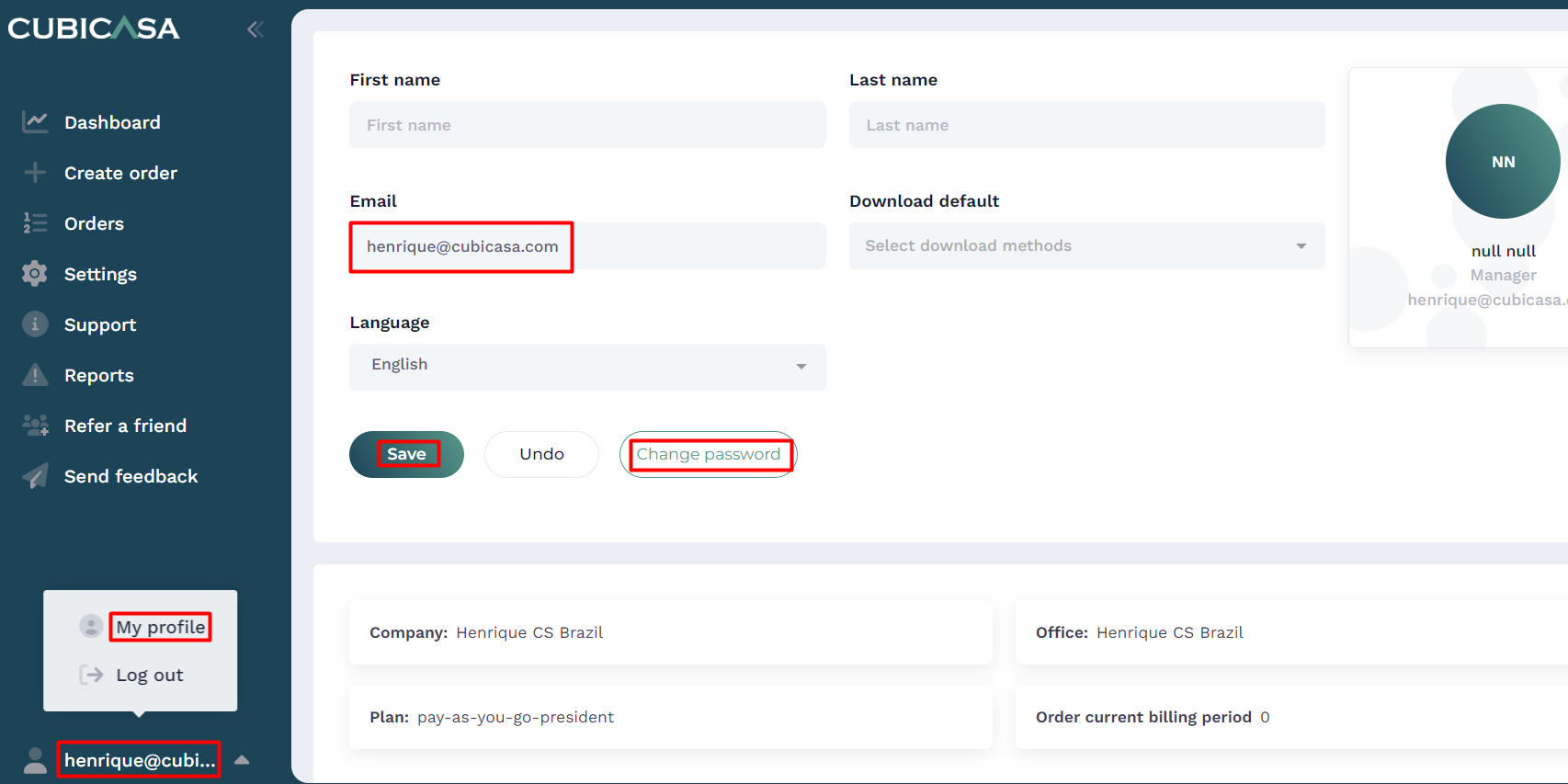
- How do I change my email address or password?
Log in to your account from the website, click on your name at the bottom left of your screen, then click on “My Profile”