
Main Menu
To see all emails (manual and automatic) you have sent from Paragon, click on Contacts and Sent Items. If you want to look at or forward any of these emails, simply click the check box in the far left column and the email will open at the bottom of your screen.
You can also see messages sent to a particular contact by clicking the contact name, then clicking Messages History on the left side menu.
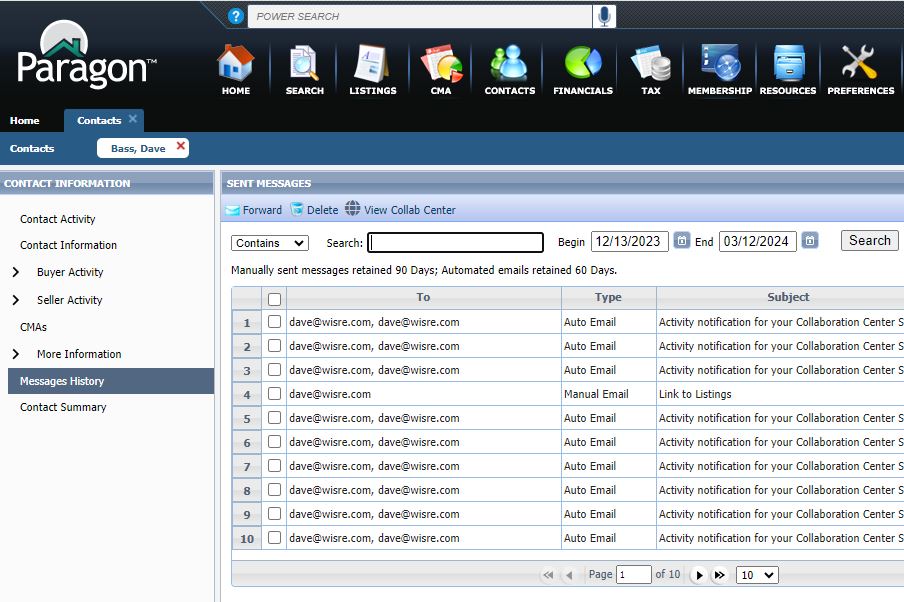
Emails you send manually are saved for 90 days. Emails sent automatically by searches are saved for 60 days.